

Have you ever been amazed by the stunning visuals in modern video games? The difference between ray tracing and path tracing is key to these breathtaking scenes. These techniques light up how we see depth, shadow, and reflection in graphics.
Let’s dive in. Imagine rasterization as a magician’s trick. It uses triangles to make 3D objects seem real on your screen. But, it often fakes light, making shadows look like they’re made of construction paper.
Ray tracing changes the game. It follows the path of light from your eye to the source. This creates more realistic reflections and shadows.
But, there’s a catch. The stunning visuals come at a cost to your GPU. The rendering of global illumination, reflections, and shadows is a delicate balance. This section is your guide to understanding the challenges of real-time graphics.
Core Math: Light Transport, BRDF, BVH Traversal, RT Cores
Let’s explore the math that makes ray tracing magic. At its core is light transport, a complex equation showing how photons move. It’s key to creating beautiful visuals.
The BRDF is next. It’s like a material’s mood ring, showing how shiny or matte a surface is. It adds realism to scenes.
But finding what a ray hits is hard. That’s where BVH traversal comes in. It’s a fast way to check what a ray hits, using a tree structure. Without it, rendering would be very slow.
Modern GPUs have RT Cores for fast BVH traversal. These cores make rendering fast, unlike the old days. They cut down the time to render a frame.
| Component | Function | Impact on Performance |
|---|---|---|
| Light Transport | Models how light interacts with surfaces | Essential for realistic rendering |
| BRDF | Defines surface reflectance properties | Enhances material realism |
| BVH Traversal | Optimizes ray-object intersection tests | Reduces computational overhead |
| RT Cores | Accelerate ray tracing calculations | Enables real-time performance |
Understanding these concepts is key to appreciating ray tracing. They are the foundation of modern graphics. For more on these technologies, see what makes them revolutionary.
RT Flavors: Shadows, Reflections, AO, GI, Hybrid Pipelines
Ray tracing is more than one dish; it’s a feast with many flavors. Each one adds to the realism of our digital worlds. Let’s explore the details of ray-traced shadows, reflections, ambient occlusion (AO), global illumination (GI), and hybrid pipelines.
Shadows are the first dish. They can be sharp near objects and soft far away. Ray-traced penumbra makes shadows blend smoothly, adding depth and realism. No more flat shadows; now, shadows move with the light.
Then, there are reflections. Forget old-school screen-space reflections. Ray-traced reflections show off-screen objects, like monsters sneaking up. This tech makes every reflective surface a window to the world.
Ambient Occlusion (AO) is a hidden hero. It removes the glow around objects, making scenes look more real. AO shows how light interacts with surfaces, boosting realism.
Global Illumination (GI) goes further. It lets light bounce around, lighting up dark spots and adding life. This effect mimics real-world light, enriching visuals.
Lastly, we have hybrid pipelines. Most games use this mix of rasterization and ray tracing. It balances performance with stunning visuals, like a V8 engine in a Prius.
In short, knowing about these ray tracing flavors is key for graphics fans. Each effect is important for immersive experiences. Understanding when to use them can take your projects to the next level. Ready to dive into more ray tracing effects? Let’s keep exploring!
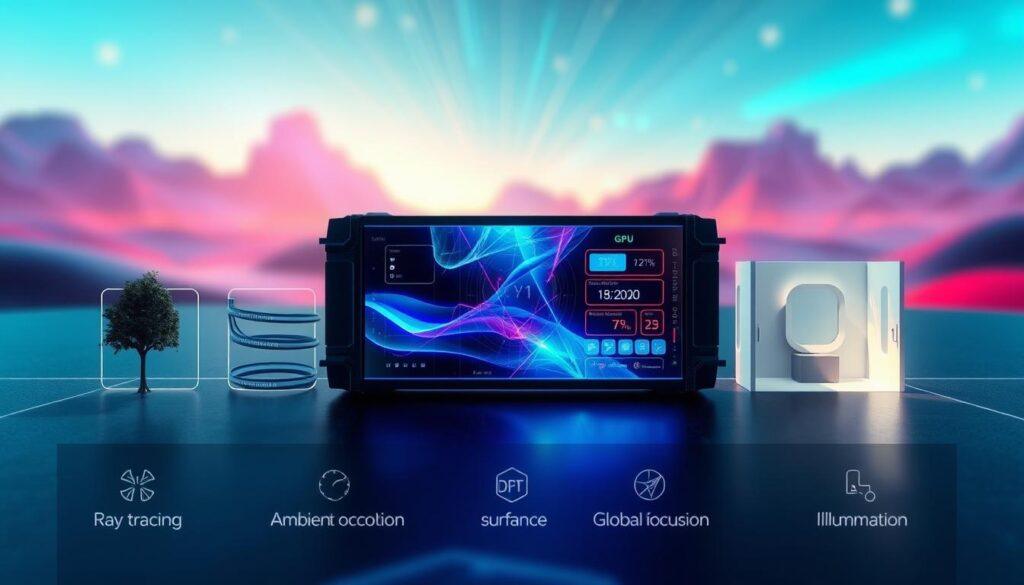
Path Tracing: Full Scene Bounces, Noise Budgets, Convergence
Path tracing is like the wild west of ray tracing, where every pixel dances with light in a chaotic symphony. This advanced technique goes beyond traditional ray tracing, tracing hundreds or even thousands of rays through each pixel. Each ray bounces off or through objects, gathering color and lighting information along the way. It’s an intricately detailed ballet of light transport that simulates everything from diffuse interreflection to the caustics of a sunlit pool.
Unlike basic ray tracing, which simply checks for direct shadows or a single reflection, path tracing embraces the full complexity of global illumination. It captures the warm glow bleeding from a neon sign onto a wet alley, creating a rich tapestry of visual detail. But here’s the catch: noise. Lots of it. The initial output can resemble a snowstorm on a CRT TV, a chaotic mess that only hints at the beauty to come.
The process of convergence is where the magic happens. As you accumulate enough samples, the noise gradually quiets down, revealing stunning visuals. This delicate balance between visual clarity and frame time is what we call the noise budget. Games like Cyberpunk 2077’s Overdrive mode and Portal RTX showcase the power of path tracing. With enough GPU muscle and clever denoising techniques, they prove that cinematic experiences can be achieved—even if it’s at a modest 30 fps.
In the end, path tracing isn’t just a technical achievement; it’s a glimpse into the future of graphics. As we push the boundaries of what’s possible, we find ourselves on the brink of a new era in gaming. One where every pixel tells a story, and the light dances to its own tune.
Denoisers and Upscalers: DLSS, FSR, Temporal Stability Roles
Denoisers and upscalers are key in graphics processing. They make images clear and sharp. Without them, our graphics would look like a messy painting.
Denoising filtering boosts image quality and performance. It fixes noisy images, which can come from random data. It’s like cleaning up a game’s visuals without extra effort.
AI tools like NVIDIA’s DLSS 4 and AMD’s FSR 3 are big improvements. They make games run smoother and look better, even at high resolutions. DLSS 4, for example, can increase frame rates by up to eight times.
But, we must be careful not to overdo it. Too much denoising can lose important details. Too much upscaling can cause ghosting. That’s where temporal stability comes in. It uses past frames to keep the image sharp and clear.
| Technology | Function | Key Benefits |
|---|---|---|
| NVIDIA DLSS 4 | Upscaling and Frame Generation | Boosts frame rates significantly, enhances image quality |
| AMD FSR 3 | Upscaling | Improves performance without heavy resource usage |
| Denoisers | Noise Reduction | Enhances visual clarity, reduces artifacts |
In conclusion, denoisers and upscalers are essential for modern graphics. They help render images at lower resolutions, using AI to make them sharp. This saves frames and keeps your game looking great. For more info, check out this detailed resource.
Performance Cost: CPU GPU Bottlenecks, VRAM Residency, Pipeline Stalls
Turning on ray tracing can quickly ruin a smooth gaming experience. It’s not just about the GPU’s power. It’s a complex mix of bottlenecks that can make your game stutter. Your 120 fps might drop to a slow slideshow in no time, all because of BVH traversal.
Under the hood, your CPU works hard to build BVH structures. Your GPU waits for data, leading to pipeline stalls. VRAM residency is also key. Ray tracing eats up memory fast, leaving you with a VRAM shortage.
Even with RT cores, frame rates often drop by 20–50%. Here’s a table showing the performance costs of ray tracing.
| Component | Impact on Performance | Typical Frame Rate Drop |
|---|---|---|
| CPU (BVH Construction) | High | 10–20% |
| GPU (Ray Tracing Processing) | Moderate | 10–30% |
| VRAM (Memory Usage) | Critical | Up to 50% |
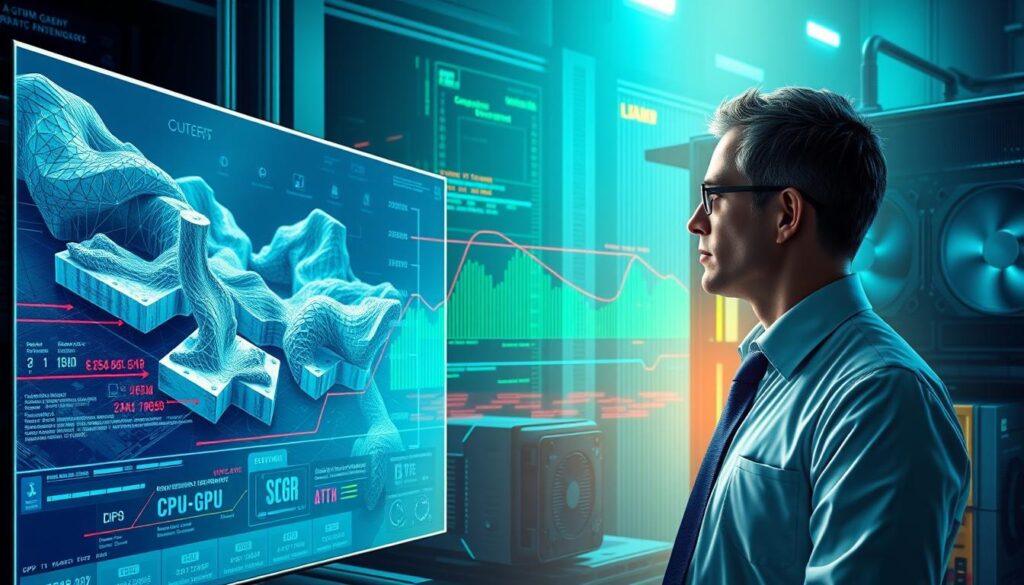
In summary, ray tracing adds stunning visuals but costs performance. Knowing these costs helps you decide when to use it. This way, you can enjoy the best gaming experience.
Game Case Studies: Cyberpunk Overdrive, Portal RTX, Alan Wake 2
Path tracing games like Cyberpunk 2077 set new standards for virtual worlds. Its Overdrive mode shows the best of path-traced rendering. Night City becomes a neon wonderland, with every light bouncing off surfaces in stunning detail.
But, this visual masterpiece can overwhelm even the most powerful RTX 4090. It’s like trying to serve too much on one plate; something will surely fall over.
Portal RTX is a tribute to gamers who loved the original. It’s filled with surfaces that reflect, refract, and glow in incredible detail. It’s like your childhood home, but with a mad architect’s touch.
This game offers a nostalgic trip that feels both fresh and exciting. It reminds us why we loved gaming in the first place.
Alan Wake 2 uses ray-traced lighting to enhance its horror. Shadows and light create a tense atmosphere. Every dark corner could hide a threat.
This game shows that in path tracing games, lighting is more than beauty. It’s about creating an experience that stays with you long after the game ends.
Tuning Checklist: RT Sliders That Matter Per Watt
Optimizing ray tracing settings is like playing a high-stakes game of poker. Knowing which settings to tweak can make a big difference. You don’t need a supercomputer to enjoy ray tracing; just know which knobs to twist. This section is your practical, slightly sarcastic guide to the settings menu.
Let’s start with shadows. Ray-traced shadows on ultra? That’s a thrilling 10 fps. Dropping them to medium looks almost the same and saves performance. Who needs every detail when you can play the game?
Reflections quality is another big eater. Do you really need to see every pore on your character’s face in a puddle? Spoiler alert: you don’t. Lowering reflection quality frees up resources for other important game aspects.
Don’t forget about denoising quality. Too aggressive, and your image looks like a watercolor painting. Too light, and it’s back to noise city. It’s a fine balance, but worth it for a clearer image.
To help you navigate these settings, here’s a handy ranking of the sliders by visual impact per watt:
| Setting | Visual Impact | Performance Cost |
|---|---|---|
| Global Illumination | High | Moderate |
| Reflections | Medium | High |
| Shadows | Medium | Low |
Always pair ray tracing with DLSS or FSR. It’s like negotiating with your GPU: you give it some slack, and it gives you playable frames. With the right settings, you can enjoy stunning visuals without sacrificing performance. Happy tuning!
Hardware Picks: When RT Is Worth It and When to Disable
Choosing the right hardware for ray tracing can be tricky. With GPUs changing fast, picking the right one is key for a great gaming experience. So, is an RTX 5090 worth the cost? Only if you want to live in Cyberpunk 2077.
In 2025, the hardware world is divided into levels. For beginners, the RTX 3060 or RX 6600 XT are good for 1080p ray tracing. For better performance at 1440p, the RTX 4070 Super is a good choice. The RTX 5090 offers the best 4K path tracing experience.
Whether to use ray tracing depends on the game. In single-player games, it adds to the atmosphere. But in multiplayer games, fast performance is more important. So, sometimes it’s better to turn off ray tracing for smoother gameplay.
Here’s a quick comparison of GPUs and their ideal use cases:
| GPU Model | Resolution | Ray Tracing Capability | Ideal Use Case |
|---|---|---|---|
| RTX 3060 | 1080p | Medium Settings | Entry-Level Gaming |
| RTX 4070 Super | 1440p | High Settings | Balanced Gaming |
| RTX 5090 | 4K | Ultra Settings | Cinematic Experiences |
In conclusion, choosing a GPU is more than just power. It’s about matching your hardware to your gaming needs. Whether you go for ray tracing or not, make sure it improves your gaming.
Future Outlook: SER, Mesh Shaders, Frame Gen Plus PT Timeline
The future of ray tracing is exciting. It’s not just about adding more rays. Shader Execution Reordering (SER) is changing the game. It’s like having a traffic cop for GPU threads, making ray tracing smoother and faster.
Mesh shaders are set to change how we handle geometry. They will help feed the BVH beast better. This means we can create more detailed scenes without losing performance.
Frame generation tech, like DLSS 4, is getting better. It’s moving from a luxury to a must-have. This tech helps make high-quality visuals more common, not just for the few.
We’re getting closer to full path tracing in AAA games. But, it won’t happen right away. Mid-range GPUs need to improve to keep up with 60 fps. Consoles like the PlayStation 5 and Xbox Series X/S are already using this tech. Soon, mobile devices will too.
In the next few years, path tracing might become the norm. Hybrid rendering will likely be the middle ground as developers get used to these new tools. The future of ray tracing and path tracing is bright, promising to bring us closer to reality in gaming.