

Imagine you’re in the middle of a raid, your heart racing. Then, suddenly, everything goes black. Your power supply thought your GPU’s power surge was a danger. That’s when the ATX 3.0 power supply comes in, changing the game for modern gaming setups.
Intel introduced ATX 3.0 in 2022 to meet today’s high power needs. A GPU might need 300W but demand 600W during intense moments. ATX 3.0 ensures power supplies can handle these spikes without issues.
The 12VHPWR connector is another game-changer, delivering 600W through one cable. It’s not just an upgrade; it’s a lifesaver for gamers who hate shutdowns. Knowing about these changes can make your gaming smoother and less frustrating.
Want to learn more? We’ll look into how these innovations impact your next build. And whether ATX 3.1’s updates are worth checking out. Hint: they might be.
Why transients matter: modern GPU spikes cause OCP trips
In the high-stakes world of gaming, power surges can turn your epic session into a frustrating black screen. Modern GPUs and CPUs can suddenly draw much more power than usual. For example, a GPU with a 300W TDP can spike to 450–600W in just milliseconds.
If your PSU can’t handle these surges, you’re in for trouble. ATX 2.x units were not made for such high surges. They see a spike as a dangerous short circuit, triggering OCP or OPP and shutting down your system fast.
Enter ATX 3.0, the game-changer in power supply technology. This standard requires PSUs to handle power excursions up to 200% of their rated capacity. So, a 750W ATX 3.0 PSU can briefly supply up to ~1500W during intense moments of gameplay.
Imagine you’re in a Cyberpunk 2077 session, neon reflecting off puddles, and then — black screen. No warning. No error log that makes sense. Your PC just… quit. Congratulations, you’ve just met an OCP trip caused by a transient power spike your PSU couldn’t handle.
The 12VHPWR cable plays a key role here — it’s the conduit that makes these power excursions possible without turning your case into a toaster. Understanding transients isn’t just academic; it’s the difference between stable framerates and mysterious crashes that gaslight you into blaming drivers.
ATX 3.0 changes: hold-up time, transient response, excursion limits
What’s new in ATX 3.0? Let’s dive into the key changes. ATX 3.0 has made power supply units (PSUs) key for handling sudden power spikes. It’s like a high-performance sports car for your gaming needs.
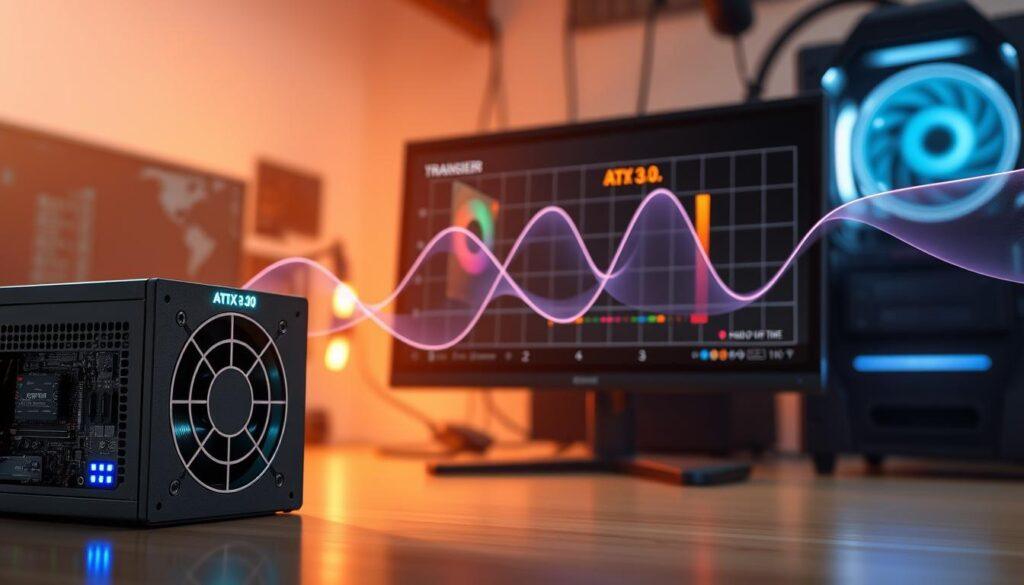
The transient response is a big deal. PSUs can now handle power excursions up to 200% of their rated capacity for short times. Here’s what it means:
- 120% load: Sustained for tens of milliseconds.
- 160-180% load: Held for a few milliseconds.
- 200% load: Just microseconds, but very important.
ATX 3.1 has made these limits even tighter. The hold-up time has dropped from 17ms to 12ms. It might seem small, but it’s huge in gaming. Every millisecond can make a difference, like your monitor’s refresh rate.
The 12V rail voltage has also been adjusted to 12.2V. This change helps with voltage drops during quick power changes. And the slew rate is now five times faster. This means your PSU can handle changes in current draw much better, important for high-demand GPUs like the RTX 4090.
In short, ATX 3.0 and its update to ATX 3.1 have made PSUs more reliable. Your gaming will stay smooth, even when things get intense. The 12V 2×6 connector’s evolution also helps with reliable power delivery.
12VHPWR to 12V 2×6: connector evolution and safe plug depth checks
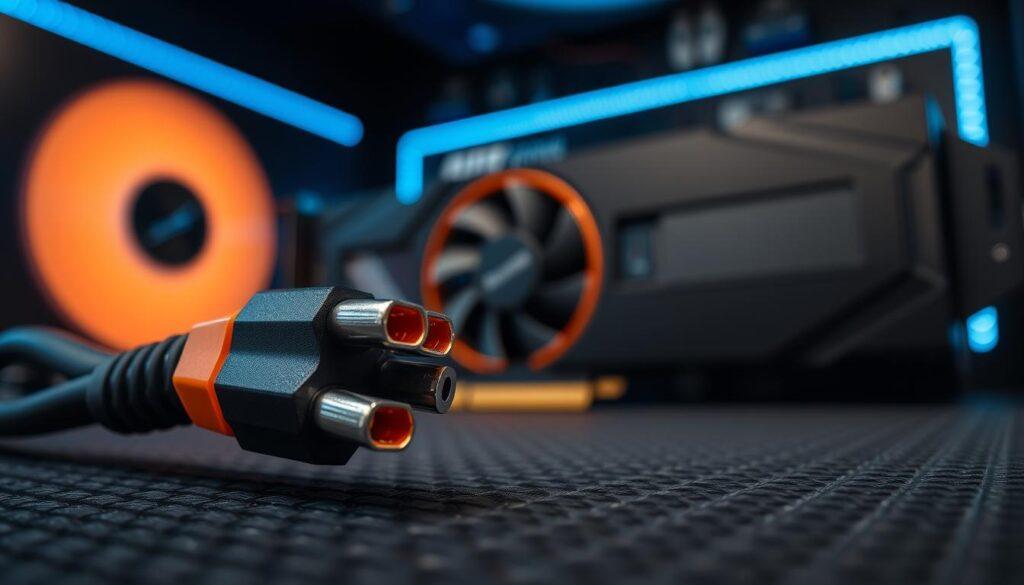
The move from 12VHPWR to 12V-2×6 shows how power supply tech has grown. The ATX 3.0 power supply brought in the 12VHPWR connector. It can send 600W through one cable, thanks to 12 power and 4 sense pins.
But, the RTX 4090 users found a problem. If the connector wasn’t plugged in right, it could melt. ATX 3.1 fixed this with the 12V-2×6 connector, or “H++.” It has new design features like shorter sense and longer power pins.
The sense pin logic is simple. Ground Sense0 and Sense1 for 600W. Leave them open for 150W. This is key for your ATX 3.0 power supply to work well.
Corsair made cables better by using 16AWG wire instead of 18AWG. This means they handle current better with less resistance. So, whether you have ATX 3.0 or 3.1, being careful is more important than new tech.
Sizing wattage headroom: CPU and GPU combo tables by class
When it comes to gaming power supplies, wattage headroom is key. It’s not just about the wattage anymore. Modern GPUs and ATX 3.0 demand more.
Your 750W PSU might look good for a 600W GPU. But what if that GPU needs 1200W for a quick burst? That’s where the 12VHPWR cable and 12V 2×6 come in. They’re rated for 600W sustained but need a PSU that can handle spikes.
Intel’s ATX 3.0 design splits the load smartly. 12V2 goes to the CPU, and 12V3 and 12V4 handle the GPU’s 12VHPWR. 12V1 covers everything else. This design prevents overloading on one rail.
For mid-range builds, an RTX 4070 and Ryzen 7 need an 850W ATX 3.0 unit. Think Huntkey GX850M. But for 4090 or 5090, you’ll need 1200W Platinum units. They handle 2400W spikes easily, keeping your gaming smooth.
In short, plan for spikes in wattage, not just averages. Your framerates and gaming rig will appreciate it.
Cable care: bend radius, cleanup, and adapter cautions
Managing cables is key for any gamer aiming for a clean setup. But, bending your 12VHPWR cable too much can cause problems. Early users of the RTX 4090 saw melted connectors, not just because of mistakes.
Gamers Nexus found that debris and wrong installation were big factors. Nvidia said the issue was rare, but it’s important to handle cables with care. The new ATX 3.1 connector helps prevent these issues by checking if the plug is fully in before drawing power.
So, what’s the lesson? Make sure the 16-pin plug is fully in. Don’t bend cables near the connector. Treat your cables like they’re fragile.
Also, be wary of cheap adapters that claim to handle 600W. They might not have safety features, risking your expensive GPU.
Corsair is making better cables, using 16AWG wire and connecting to two PSU connectors. This design ensures 600W power without extra chips.
Cable care is not just about looks; it’s a safety measure. Show your cables respect, and they’ll give you smooth gaming and peace of mind.
For more on power supply unit standards, read this article.
Multi-rail vs single-rail protections: OCP, OPP, SCP, OTP explained
The debate between multi-rail and single-rail protections is like choosing between an umbrella and a raincoat. Each has its own benefits, but knowing the differences can protect your hardware from damage.
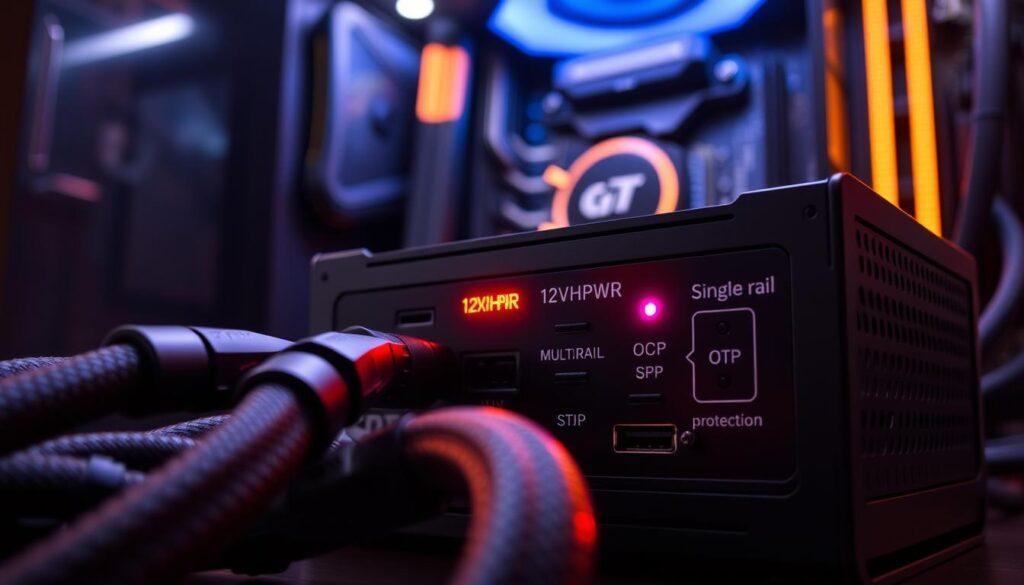
ATX 3.0 power supplies bring back multi-rail setups, which are more than just a throwback. They offer a strategic safety feature. In this design, there are four 12V power rails. 12V2 is for the CPU, while 12V3 and 12V4 handle the 12VHPWR cable. 12V1 covers the rest.
This setup means if your GPU has a power spike, the Over-Current Protection (OCP) on its rail will stop it. This prevents damage to the whole system.
Single-rail designs were popular in the mid-2000s for their simplicity. They let users access all power without balancing loads. But as GPUs grew more powerful, single-rail designs became a fire hazard.
Multi-rail designs offer more than safety. They have OCP and Over-Power Protection (OPP) to handle power spikes. Short-Circuit Protection (SCP) and Over-Temperature Protection (OTP) keep things running smoothly. ATX 3.1 even improved excursion limits to prevent PSU trips during power bursts.
The +5VSB standby rail now supports up to 3.5A for half a second before OCP kicks in. This is great for quick-charging devices, like phones, without crashing your PC.
In summary, the multi-rail versus single-rail debate is about keeping your gaming rig safe. Think of multi-rail as your safety net. It’s something you hope to never need but will be thankful for when you do.
Quality signals: ripple, regulation, build ratings, and teardown data
Finding the best power supply is like searching for the perfect avocado. You need to know what to look for. Efficiency ratings are like a high school GPA for PSUs. They show how well a PSU performs.
ATX 3.0 sets some efficiency standards, but 65% at 20% load is not impressive. Yet, 80 Plus Gold is now the minimum for serious PSUs. This is key for using the 12VHPWR cable, where clean power is essential.
ATX 3.0 requires PSUs over 500W to have 70% efficiency at 2% capacity. This means a 750W PSU must perform well at just 15W. It’s good for your electricity bill, considering RGB lighting’s power use.
The 12V rail is now 12.2V to handle voltage drops better. This keeps your system stable, even under heavy loads. ATX 3.0 also demands better performance from units with the 12VHPWR cable.
When looking at teardown reviews, don’t just look at wattage. Check the quality of capacitors and soldering. A PSU rated for 175,200 power cycles is impressive, but the fan might fail first.
Quality is more than just a number; it’s what tests show. So, when choosing a PSU, understand the quality signals. They protect you from power supply problems.
Real tests: oscilloscope, inrush, transient plots — and reading them
Oscilloscope graphs are not just for show; they’re essential for understanding transient response. Reviewers like Gamers Nexus use them to see if a PSU can handle sudden power spikes. They test if the PSU stays calm when your GPU demands more power.
Transient response plots show what happens in a split second. ATX 3.0 tests PSU’s limits with extreme loads. It checks how well capacitors, voltage regulation, and protection circuits work under stress.
Look for minimal voltage drops and quick recovery in those plots. A big drop followed by a slow rise means the PSU is struggling. But a quick, small dip with fast recovery shows it’s up to the task.
Inrush current tests are also key. They check how well a PSU handles the initial surge when capacitors charge. This is important to avoid tripping breakers in older homes. ATX 3.1’s tests are a bit stricter, but the goal is the same.
When looking for a PSU, ignore Amazon ratings. Look for reviews from people who’ve used an oscilloscope. Those who show you transient plots are more reliable than many positive reviews from short-term owners.
Upgrade timing: when to replace or reuse older units
Deciding when to upgrade your power supply unit (PSU) can be tricky. If you already have a good ATX 3.0 PSU, you don’t need to rush to ATX 3.1. The changes are mostly for marketing, not real performance boosts. Both standards handle sudden power spikes well, which helps prevent game crashes.
For a new build, choosing a PSU with a 12V 2×6 connector is smart. This connector is safer and more efficient, great for high-power GPUs like the RTX 4090. The 12V-2×6 connector is a slight but important upgrade. If you’re starting a new setup in 2025, go for the newer standard.
If you’re using an old ATX 2.x unit, it’s time to replace it. These older models can’t handle today’s GPU power needs. They can’t handle sudden power spikes well. Even if it’s worked for you before, it’s safer to upgrade for stability.
Upgrade when your hardware needs it, not just because of marketing. The 12V 2×6 connector is a key feature to look for in a new PSU. For more on choosing the right PSU, see this guide on PSU upgrades. It offers helpful advice on making the right power supply choice.