

Why build when you can buy? This question haunts every tech lover at the digital crossroads.
Prebuilt systems are convenient. But building your own rig gives you something more valuable: complete sovereignty over your machine. It’s not just about putting parts together. It’s about creating a personal statement in silicon and steel.
Building your own system saves money – often hundreds of dollars. But the real benefit goes beyond money. It’s about getting the best performance by carefully choosing every part.
Imagine the difference between eating at a fancy restaurant and having Gordon Ramsay cook for you. One fills your belly. The other creates a legendary experience.
This way of thinking is the ultimate value picks philosophy. You’re not just buying parts. You’re investing in a system that meets your exact standards and gets the most out of your money.
When games like Grand Theft Auto VI come out, settling for poor performance is not just impractical. It’s a form of philosophical malpractice.
Value, performance, upgradeability
Building a gaming PC is more than just putting parts together. It’s like chasing the American Dream, but with more tech and less fences.
Looking for value means finding the best deal, not the cheapest. That cheap CPU might save money now, but will it run next year’s games? Good value picks offer both immediate fun and future-proofing.
Performance is what draws us to PC building. We all dream of playing games at 144fps. But, raw power without planning is like buying a sports car without thinking about upkeep. The excitement wears off when you can’t afford the high-end fuel.
Upgradeability is key to a good build. It means picking parts that won’t become outdated soon. A smart upgrade path lets your system grow with you, unlike being stuck with outdated tech.
When building, keep these points in mind:
- Platform longevity—will your motherboard support future CPUs?
- Power supply headroom—can it handle more demanding components later?
- Case compatibility—will it fit tomorrow’s massive graphics cards?
The world of gaming changes fast, like Twitter opinions. Today’s top tech becomes tomorrow’s basic. That’s why upgradeability is your shield against being left behind.
Smart builders look for parts with clear upgrade paths. In the PC world, change is the only constant. And, of course, RGB lighting is always a must.
Entry‑Level Kit
Welcome to the computing world’s version of a studio apartment. It’s small, affordable, and works well without costing too much. You don’t have to sell a kidney to get good performance.
We use Intel’s Core i3-14100F ($90) for processing and AMD’s RX 6500 XT ($130) for graphics. It’s not the best, but it handles 1080p well. Your computer won’t sound like a plane ready to take off.
The best part is our peripherals bundle. We include a keyboard, mouse, headset, and microphone. It’s like a digital Swiss Army knife. It’s not perfect for one thing, but it does many things well.
These value picks are smart choices, not sacrifices. This setup won’t win esports, but it lets you play modern games without spending a lot. Sometimes, the best choice isn’t the most expensive one.
1080p build + keyboard/mouse/headset/mic
Let’s talk about gaming dignity on a budget. Nobody should game on milk crates in 2025. Our $500 peripherals bundle shows you can get respectable 1080p performance without giving up too much.
The Asus B760M-AYM Wifi D4 II motherboard at $100 offers wireless connectivity that’s actually worth it. With 16GB Oloy DDR4 RAM ($48), it’s like the Honda Civic of gaming setups. It’s not flashy, but it gets the job done.
Now, let’s talk about the real magic. The complete best gaming gear 2025 package turns this into a real gaming station:
- Keyboard: Redragon K552 mechanical – tactile feedback without the high price
- Mouse: SteelSeries Rival 3 – your aim won’t suffer from budget constraints
- Headset: HyperX Cloud Stinger 2 – clear audio that won’t annoy your teammates
- Microphone: Fifine USB mic – so your voice is heard clearly
This isn’t just about saving money. It’s about smart spending. Why spend all your budget on a GPU when bad peripherals ruin your experience? The frames might not be the best, but they’re honest frames earned through smart choices.
The 1080p experience in 2025 is like 4K was five years ago. It’s the sweet spot where performance meets affordability. You get smooth gameplay, decent visuals, and peripherals that won’t make you feel bad when friends come over.
This setup shows that entry-level doesn’t mean low quality. You’re building a solid foundation that works today and can be upgraded tomorrow. Save that second mortgage for your future 4K dreams.
Mid‑Range Kit
Welcome to the world of better computing. It’s like moving from a small apartment to a bigger house. You’re leaving behind the days of making do.
The $800-$1,500 range is where things get really good without costing too much. It’s like going from economy to business class. You’ll feel the difference right away.
Components like the Intel Core i5-14600KF ($200) add real power to your machine. It handles 1440p smoothly and beautifully.
This level of computing means no more excuses. Your computer can handle games and tasks without a hitch. You get to enjoy everything as it was meant to be.
Now, we focus on the 1440p 165-240Hz range. You get smoother frames and sharper images. Plus, you know you’ve found great value picks in today’s market.
1440p 165–240Hz focus, better audio
Welcome to gaming’s Goldilocks zone – where pixels and refresh rates find perfect harmony. This isn’t just an upgrade; it’s a new beginning. Remember that first time you heard surround sound instead of laptop speakers? That’s what we’re aiming for here.
Let’s talk about monitor tiers because not all 1440p displays are the same. The best ones have 165-240Hz refresh rates. They make high-end displays look cheap while costing less. It’s like getting a first-class ticket for economy prices.
The audio upgrade is just as big. We’ve gone from basic sound to true immersion. When footsteps sound like they’re coming from real directions, you’re not just playing a game. You’re living it. This is where spatial audio becomes your secret weapon.
For 2025’s best gaming gear, consider these essentials:
- Monitors: 27-inch IPS panels with 1ms response times
- Refresh rates: 165Hz minimum, 240Hz ideal
- Audio: SteelSeries Arena speakers or Turtle Beach stealth advantage headsets
- Key feature: NVIDIA G-Sync or AMD FreeSync compatibility
The difference between this setup and entry-level gear? It’s like the difference between a movie and home video. Both tell a story, but one makes you forget you’re watching a screen. When your monitor becomes a window and your audio becomes reality, you’re not just gaming – you’re experiencing.
This tier is where performance meets value. You get top-notch responsiveness without the high price. It’s where hobbies turn into passions, and players become enthusiasts. The best gaming gear 2025 has to offer doesn’t just improve your stats – it changes how you see the game.
Pro/Tournament Kit
Welcome to a digital world where gaming is serious business. It’s about making money and gaining fame with every game.
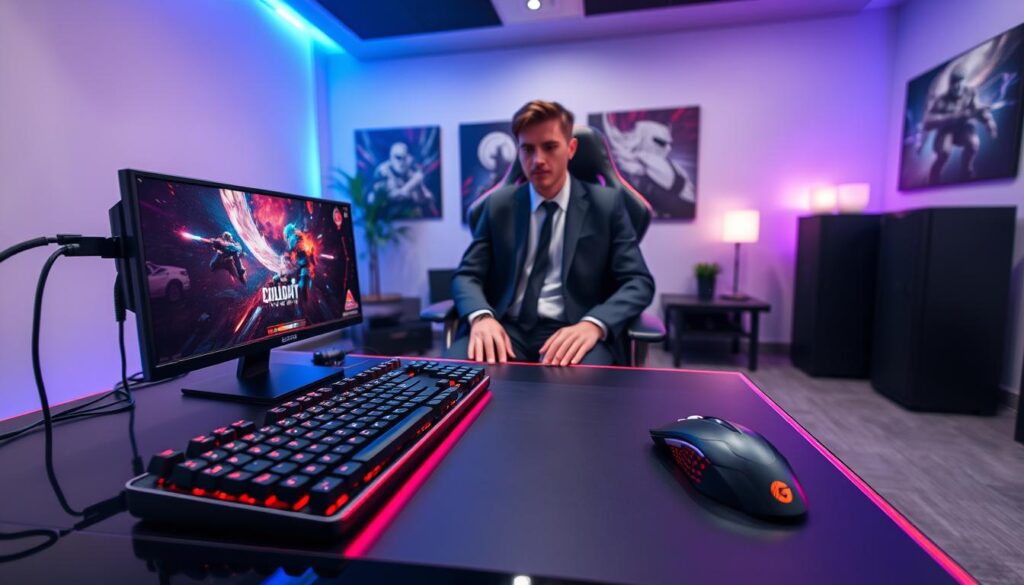
Here, we have top-notch hardware that’s almost like magic. The RTX 5070 Ti GPU ($750) and Ryzen 7 9800X3D processor ($480) aren’t just fast. They devour games.
This is the peak of your upgrade path. Every part has been tested to perform at its best under pressure.
It’s like switching from kitchen knives to samurai swords. The gear isn’t just for show; it’s designed for winning.
If you want the best gaming gear 2025 has, you’ve found it. This is where you start your journey to the top.
240–360Hz, low‑latency peripherals, capture
We’re not just building a gaming rig here; we’re crafting a competitive edge. The jump from 240Hz to 360Hz is huge. It’s like giving Usain Bolt rocket skates while others run in concrete shoes.
These monitors don’t just show frames; they predict them. While others struggle with 144Hz displays, you’ll see the game before it happens. It’s like having a time machine for headshots.
The low-latency peripherals in this setup are incredibly responsive. They turn your thoughts into digital actions before you even think them. It’s as if the game is reading your mind.
And then there’s the capture equipment. We include top-notch gear like Elgato’s 4K S Capture Card. Your highlight reels will look amazing, not like a potato-quality recording.
This peripherals bundle is the top of the upgrade path. It turns hardware into pure advantage. It’s not about saving money; it’s about getting the best performance.
This setup has a clear upgrade path. Start with the monitor, add the capture card later, and watch your peripherals bundle become championship tools.
This is where champions are made. It’s not in the game itself, but in the milliseconds this equipment saves.
Monitor Tiers
Choosing a monitor isn’t just about finding the “best” screen. It’s about finding your screen. Think of it like picking the right glasses. The right pair changes how you see everything.
We’ve sorted displays into logical monitor tiers for different digital lifestyles. You get everything from workhorses for productivity to cinematic marvels that make reality seem less impressive.
The Samsung Odyssey G7 offers a premium experience. It’s 40 inches of curved immersion that wraps around your vision. On the other hand, the LG UltraGear series gives competitive-grade motion clarity for those who love speed.
Finding true value picks means knowing what really matters for your work. Let’s face it, nobody needs 4K resolution to read emails.
OLED/QD‑OLED/Mini‑LED picks per budget
Shopping for monitors is like using a dating app. OLED is like that perfect match who’s both beautiful and smart but costs a lot. In 2025, there are three top picks for gamers, each with its own price and features.
OLED makes dark scenes truly dark, not just a bit dark. Once you see true black, other screens seem dull by comparison.
QD-OLED is like OLED’s bright and lively cousin. It combines quantum dots with OLED for bright colors without losing contrast.
Mini-LED is like the practical choice. It offers LED’s reliability with almost OLED’s quality but at a lower price.
Now, let’s look at the best gaming gear 2025 has to offer in different price ranges:
- $300-500 Budget: You’ll find good IPS monitors here. The Acer Nitro XV240Y is a great value with a 165Hz refresh rate and good colors. It’s not the prettiest, but it works well.
- $600-800 Range: This is where Mini-LED shines. The Cooler Master Tempest GP27Q has a 160Hz refresh rate and 576 local dimming zones. It’s a smart choice that offers a lot for less.
- $1,000-1,500 Tier: This is where QD-OLED shows its strength. The Alienware AW3423DW is famous for its contrast, 175Hz refresh rate, and vibrant colors. It might even help you win more games.
- $1,500+ Elite Club: Here, OLED really stands out. The LG UltraGear OLED 45GR95QE is more than a monitor; it’s a statement. It has a 240Hz refresh rate, perfect blacks, and fast response times. As TechRadar’s OLED coverage shows, it’s the top of the line.
Choosing a monitor isn’t just about finding the “best.” It’s about finding the right one for your budget and gaming style. The best gaming gear 2025 offers value, not just a high price.
For competitive games, high refresh rates are key. But for immersive single-player games, contrast and color depth matter more. Your ideal monitor depends on your gaming preferences, not just your budget.
These monitor tiers are where technology meets value. Whether you’re playing competitive games or exploring vast worlds, now is a great time to upgrade your monitor.
Audio Picks
Let’s talk about the unsung hero of your setup – the audio experience. It turns pixels into something real. While visuals get all the glory, sound is the secret sauce that either makes or breaks your immersion.
Our curated audio value picks range from SteelSeries Arena 9 speakers. They deliver cinematic 5.1 surround sound. Turtle Beach Stealth 700 Gen 3 headsets also offer spatial audio so precise you’ll hear virtual footsteps before they land. It’s the difference between watching a storm through glass versus feeling every raindrop.
This isn’t just about hearing – it’s about being there. Whether you prefer desk-shaking speakers or private soundscapes, our audio peripherals bundle recommendations ensure your ears receive the same premium treatment as your eyes. Because great audio won’t necessarily make you better, but bad audio will definitely make you worse.
Headsets vs headphones+mic
Choosing between gaming headsets and separate headphones+mics is like picking between a Swiss Army knife and a custom toolset. Both work well, but in different ways. One is all in one, while the other is all about quality.
The headset way is all about ultimate convenience. You get everything in one box: sound, mic, and sometimes cool lights. It’s like finding someone perfect right away, no need to fix anything.
The SteelSeries Alias Pro at $130 is a top choice. It has a great mic and sound. It looks good and has a single cable, making it easy to use.
Going for separates means choosing top-notch headphones and a mic like the Elgato Wave:3. This takes more effort but can give you better sound and control.
It’s like building your dream team instead of buying a ready-made one. You pick each part for its best performance, not for looks.
| Feature | Headsets | Headphones + Mic | Winner |
|---|---|---|---|
| Convenience | Excellent – single purchase | Fair – requires research | Headsets |
| Audio Quality | Good to very good | Excellent | Separates |
| Upgrade Flexibility | Limited – all or nothing | Maximum – piece by piece | Separates |
| Initial Cost | Usually lower | Usually higher | Headsets |
| Aesthetic Cohesion | Perfect match | Mixed results | Headsets |
The upgrade path is key. Headsets mean you replace everything if one part breaks. It’s like a lifelong commitment.
Separates let you change parts as you like. Your headphones can stay the same while your mic changes. This makes it easy to keep up with new tech.
This debate is really about what you value. Do you like things simple and all-in-one? Or do you enjoy picking each part for the best quality?
Both ways have their good points. Headsets are easy and stylish. Separates let you customize and improve over time. Your choice depends on what you prefer.
Controller/VR Options
Sometimes, using a mouse and keyboard feels like trying to hold water in your hand. When you’re racing in a virtual world or fighting aliens, you need special tools.
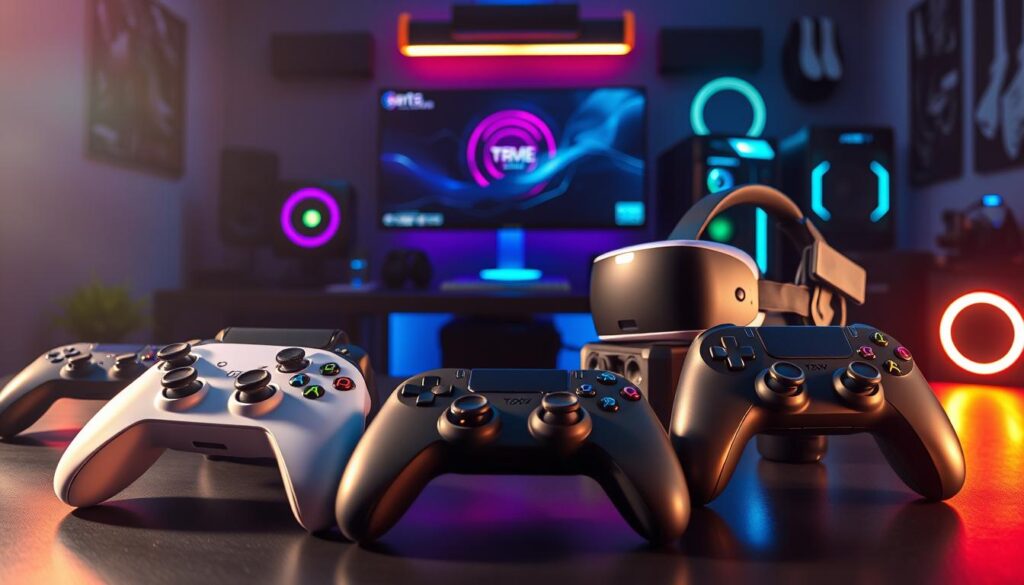
The Xbox Elite Series 2 Core controller turns input into art. Its customization options are impressive, even for a Swiss watchmaker.
VR has moved beyond being just a novelty. Meta’s Quest 3S offers real immersion without breaking the bank. It’s like the difference between watching a concert and being on stage.
Choosing your gaming tools is more than just buying gear. It’s a choice about how you see digital worlds. Your upgrade path shows your commitment to your gaming experience.
Investing in top-notch wheels or VR setups means more than just buying equipment. It’s about embracing a new way of life that requires ongoing investment in your gaming world.
These tools are the best of what best gaming gear 2025 has to offer. They’re not just options – they’re gateways to new ways of playing.
Racing/flight/VR add‑ons
Using regular gaming gear for simulation games is like using a butter knife for a sword fight. It’s not the right tool for the job.
True immersion needs special equipment that makes digital worlds feel real. The right peripherals bundle doesn’t just improve gameplay. It opens up new ways to interact.
The Logitech G29 racing wheel costs $250. It’s not just a controller. It’s a way to feel like you’re really driving.
Force feedback, realistic pedals, and proper steering make racing games feel like real driving. It’s not just about pressing buttons anymore.
Flight sticks work the same way. They turn flying games into real piloting. The controls and surfaces respond to your actions in ways gamepads can’t.
VR headsets like the Pimax Crystal Light are the next step. They’re not just screens. They replace reality. You get depth perception, head tracking, and immersive environments that flat monitors can’t match.
These tools are for those who dive deep into gaming. They’re not just any equipment. They’re precision tools for specific experiences. The value picks in this category offer amazing value for the immersive experience.
| Peripheral Type | Entry Price | Immersion Level | Best For |
|---|---|---|---|
| Racing Wheel | $250 | High | Racing Sims |
| Flight Stick | $80 | Medium-High | Flight Sims |
| VR Headset | $300 | Maximum | All Sims |
Choosing these add-ons is about passion, not just utility. It’s like building a workshop, not just buying a multi-tool. Both have value, but only one lets you create masterpieces.
The right peripherals bundle turns gaming into an art form. These value picks show the true passion for simulation games. They make digital experiences feel real.
Price Tables & FPS Estimates
Let’s get to the real numbers. Feelings are great, but frames per second are what really count.
Our detailed tables show you what your money gets. That RTX 5060 Ti gives 61 FPS at 1440p Ultra. It’s not just a number; it’s the difference between smooth gaming and frustrating lag.
This is your guide to making smart buys. We reveal where performance stops and value picks start.
Knowing these benchmarks is key for your upgrade path. In gaming, what’s real should guide your expectations, not fancy ads.
Welcome to the numbers that truly matter.
Cost breakdown, value score
Let’s talk about what your gaming dollars actually buy. That shiny new GPU might look impressive on your credit card statement. But does it deliver performance proportional to its price tag? We’ve crunched the numbers so you don’t have to.
Our value scoring system works like a financial advisor for your gaming habit. It weighs performance contribution against dollar investment. This creates a rational framework for decision-making. Think of it as your reality check against marketing hype.
Consider this: a $200 CPU might represent 25% of your budget but deliver 40% of your performance. That’s what we call a value pick. On the other hand, that $100 RGB case contributes exactly 0% to actual frame rates. That’s what we call aesthetics.
Here’s how our third-party data breaks down typical gaming builds:
| Component | Budget % | Performance % | Value Score |
|---|---|---|---|
| GPU | 35-45% | 50-60% | Excellent |
| CPU | 20-25% | 25-35% | Good |
| Monitor | 15-20% | 10-15% | Fair |
| Peripherals | 10-15% | 5-10% | Average |
| Aesthetics | 5-10% | 0% | Poor |
The numbers don’t lie. Your graphics card consistently delivers the best bang for your buck. It’s the workhorse of your system, and our data shows it typically outperforms its budget allocation.
When hunting for the best gaming gear 2025, focus on components that actually impact gameplay. That high-refresh monitor? Worth every penny. Those custom keycaps? Pure vanity.
Our value scoring system reveals uncomfortable truths. Sometimes that expensive component is actually worth it. Other times, you’re just paying for bragging rights. The score doesn’t care about your emotions – it only cares about performance per dollar.
Remember: smart spending today means upgrade money tomorrow. Choose your value picks wisely, and you’ll have cash left for when truly game-changing technology arrives.
Upgrade Paths
Thinking about your next move while building your current rig might seem like planning your retirement during your first job interview. Yet here we are, talking about the upgrade path like responsible adults.
AMD’s AM5 platform plays the long game beautifully. You can jump from Ryzen 7000 to 9000 series without changing your motherboard. It’s the tech equivalent of dating someone who actually grows with you.
Intel? They offer spectacular performance today. But their platform longevity feels more like a summer romance – passionate now, questionable tomorrow.
The smart builder looks beyond instant gratification. True value picks aren’t just about today’s benchmarks. They’re about building on foundations that won’t crumble in twelve months.
This isn’t just shopping – it’s strategic planning. Are you planting a garden or buying cut flowers? One gives lasting value, the other just looks pretty before dying.
What to replace first and why
Upgrading your gaming rig is like playing chess. The first move sets the course for everything. Most gamers start with the GPU, and it’s a good choice. It gives you a quick visual boost, like switching from a flip phone to an iPhone Pro.
But, if you play games that need a lot of CPU power, like Civilization or Flight Simulator, your processor might be the problem. Tests show that older processors can slow down games before the GPU does.
Storage upgrades are often overlooked but offer a big performance boost. Switching from SATA to NVMe is like going from dial-up to fiber optic. Games load fast, before you even finish your coffee.
Before you spend money, figure out what needs upgrading. Use performance monitors during games. If your GPU is maxed out but your CPU isn’t, you know what to do. This upgrade path approach fixes the root cause, not just the symptoms.
Choosing the right order for upgrades can make a huge difference. The wrong order just wastes money.
Buy Smart: The Art of Strategic Gaming Investments
Smart buying isn’t just about finding deals. It’s about knowing when to buy. Today’s top gear will be tomorrow’s mid-range option. Timing your purchases for sales is key, just like picking the right parts.
The top value picks are often easy to miss. They offer great performance and future-proofing. Your upgrade plan should be like chess, not checkers.
Looking at component comparisons shows where spending more doesn’t help. Spending over $120 often means paying for looks, not function. The best deals are where quality meets price.
Build your system like a custom suit. It should meet your current needs and grow with you. Your upgrade path is as important as your first build. Smart buying means avoiding paying for future losses today.
Plan ahead. Buy with purpose. Play at your best.