

Welcome to 2025, where building your dream gaming PC is like making a blockbuster movie. You need a big budget and top-notch parts. One bad choice can ruin the whole project.
I’ve been studying the tech world like a political analyst looks at polls. It’s both exciting and crazy. We face a real GPU shortage and CPU wars.
This isn’t just a list of parts. It’s a strategic plan for a PC that’s more than just a game player. It’s a statement piece.
Buying a custom gaming PC is a fun and rewarding journey. This guide will help you spend your money wisely. Whether you’re new to building PCs or a seasoned pro, we’ll explore the costs and performance together.
Are you ready to dive into this exciting, pricey adventure? Your pc building guide begins here.
Budget Allocation Strategy
Creating a gaming PC build budget is more about smart planning than just numbers. Every dollar is like a diplomatic effort, with each component vying for your money. First, decide how much you can spend. This is your main fund.
The world of gaming PCs has changed. What was once a simple hobby now needs careful financial planning. Let’s look at some real numbers. Industry ranges can help you start.
For Entry-Level builds, expect to spend between $999 and $1,399. Mid-Range builds cost between $1,400 and $1,899. High-End builds can go up to $3,000 or more. These are the main areas in the PC world.
But, just knowing the total amount is not enough. You need a plan for how to spend it. Most builds fail here. They spend too much on things that don’t matter much.
Think of your budget like a country’s budget. The GPU is like defense spending. It gets 35% to 50% of the budget because it’s key. It makes your games look good.
The CPU is like infrastructure spending. It’s important for everything to work right. But spending too much on the CPU and not enough on the GPU is a waste. You’ll have good numbers but bad gaming.
Don’t believe everything you read. Marketing talks about core counts and speed. But, the real performance is what matters. A good GPU is more important than a fast CPU for gaming.
So, what’s the best way to spend your money? The table below shows how to allocate your budget for each part. This is your plan.
| Budget Tier | Total Price Range | GPU Allocation | CPU Allocation | Key Strategic Priority |
|---|---|---|---|---|
| Entry-Level | $999 – $1,399 | 35% – 40% | 20% – 25% | Maximizing 1080p performance; sacrificing RGB for raw power. |
| Mid-Range | $1,400 – $1,899 | 40% – 45% | 18% – 22% | Balancing strong 1440p capability with a quality platform for future upgrades. |
| High-End | $1,900 – $3,000+ | 45% – 50% | 15% – 20% | Achieving high-refresh 1440p or solid 4K gaming; no-compromise on the core experience. |
The rest of your budget, 20-30%, goes to other parts. The motherboard, RAM, storage, power supply, and case. Never skimp on the power supply. A bad one can ruin your system.
Use this plan for your gaming PC build. Let the GPU lead, and the CPU play its part. Spend the rest wisely. This careful planning makes a great machine.
Entry-Level Gaming Build ($800-1200)
The entry-level gaming build is like a reliable Honda Civic for PCs. It won’t win races, but it gets you to 1080p paradise every time. For $800 to $1200, you get a shockingly competent machine. It’s all about getting the most frames per dollar.
The goal is clear: smooth 1080p gaming on high-to-ultra settings. The parts chosen for this custom gaming pc show great value. Let’s look at the plan.
- CPU (The Brains): A Ryzen 5 5600X or an Intel Core i5. These processors are smart choices. They do the job well without costing too much.
- GPU (The Muscle): An RTX 4060, its future successor the RTX 5060, or an AMD RX 7600 XT. These cards handle 1080p ultra settings with ease.
- RAM (The Short-Term Memory): 16 GB of DDR5. It’s just right for games, Discord, and many tabs.
- Storage (The Library): A 1 TB PCIe 4.0 NVMe SSD. Games load fast, no more waiting.
- PSU (The Heart): A 650W 80+ Gold certified unit. It keeps everything running smoothly without issues.
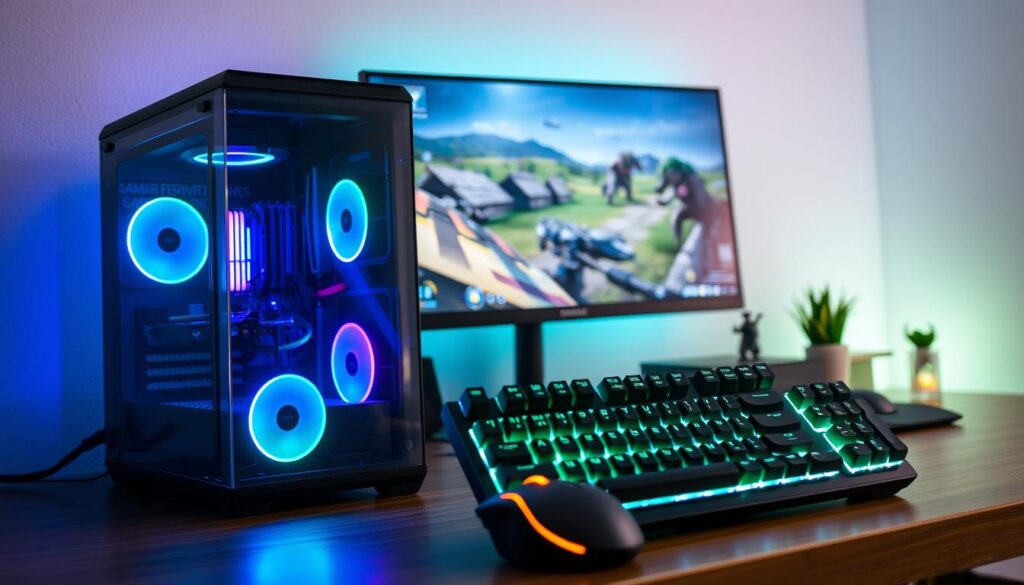
This build shows a harsh truth: spending more for a small performance boost isn’t worth it. It’s like buying designer water for the label, not the taste.
Your custom gaming pc in this tier proves elite 1080p performance doesn’t mean breaking the bank. It’s smart spending. You’re focusing on what matters most: playing games well, now.
This is the smart start. It’s a machine that makes building your own custom gaming pc a joy, not a worry.
Mid-Range Powerhouse ($1200-2000)
The mid-range powerhouse is like a blockbuster movie. It gets great reviews and makes lots of money. This is the top level of our pc building guide. You’re not just buying parts; you’re getting a top-notch experience.
This range is the sweet spot. For $1200 to $2000, you’ll enjoy games at 1440p. Every detail in a game is sharp, and the game runs smoothly.
Choosing this range means moving up from a quad-core i5 to an 8-core Ryzen 7 or Intel Core i7. It’s not just more cores. It’s the room for games to run smoothly while you play. It’s the end of worrying about upgrades for years.
Pair that CPU with a GPU like the NVIDIA RTX 5070 Ti or AMD’s RX 9060 XT. These are big jumps. With 16GB or more of VRAM, they handle new games well. Ray tracing works smoothly, not slow.
This tier is for those who love details. You want games to run smoothly and look great. The build below is your guide.
| Component | Recommended 2025 Spec | The Analytical Rationale |
|---|---|---|
| CPU | AMD Ryzen 7 7600X or Intel Core i7-14700K | Provides the multi-threaded muscle for gaming, streaming, and background tasks without creating a bottleneck. It’s the brain of a sophisticated operation. |
| GPU | NVIDIA RTX 5070 Ti or AMD Radeon RX 9060 XT | The undisputed 1440p champion. Ample VRAM future-proofs you against greedy game engines, while ray tracing performance feels genuinely next-gen. |
| RAM | 32GB DDR5-6000 | Eliminates micro-stutter in massive open-world games. Your browser, Discord, and music app can all run in the background without a performance tax. |
| Storage | 2TB PCIe 4.0 NVMe SSD | Loads entire game worlds near-instantly. Say goodbye to loading screens that feel like commercial breaks. This is pure, uninterrupted immersion. |
| Power Supply | 850W 80+ Gold Certified | Efficient, quiet, and built with headroom. This isn’t just for today’s parts; it’s an invitation for a more powerful GPU upgrade down the line. |
Every choice in this build is about removing limits. The 32GB of RAM and 2TB SSD make sure you never run out of space. The 850W PSU means you can upgrade later without worry.
This build is a statement against old technology. It’s not about being the absolute best. It’s about getting the most for your money. It’s a win for those who love to learn and enjoy great tech.
High-End Beast ($2000-3500)
Building a PC in this range is a bold move. It’s not just about meeting needs; it’s about crushing them. You’re creating a supercomputer for fun, not just games.
This is your chance to be at the forefront of graphics tech. Imagine playing Cyberpunk 2077 in 4K with stunning visuals. It’s for those who want to play games at their highest settings.
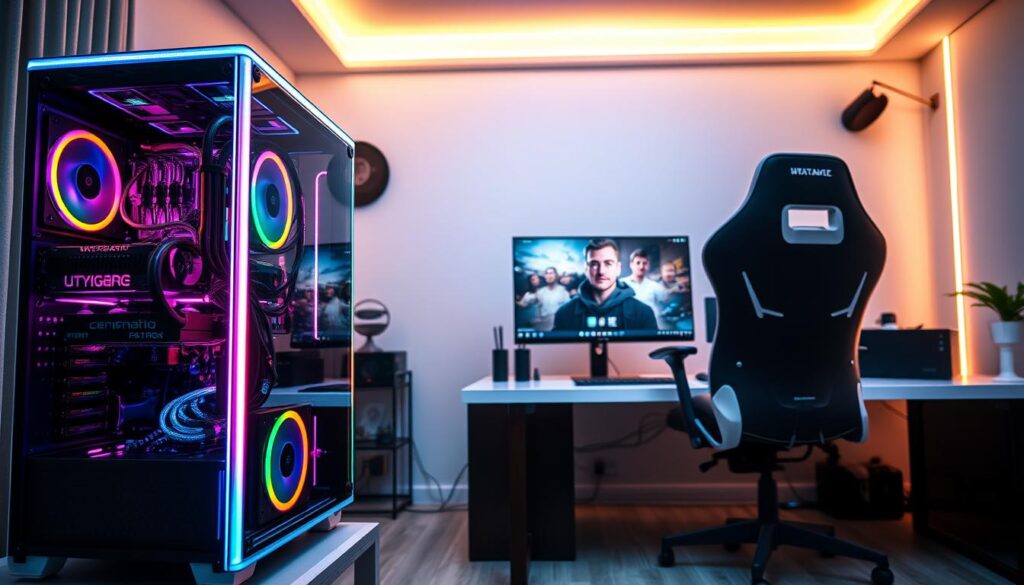
Choosing a CPU is a big decision. You can go with the AMD Ryzen 7 9800X3D or the Intel Core Ultra 9. Both are fast and efficient, making your games run smoothly.
For memory, pick 32 or 64 GB of DDR5 RAM. This ensures your system never stutters.
The GPU is the star of the show. You can choose between the NVIDIA GeForce RTX 5080 or the AMD Radeon RX 9070 XT. These cards offer incredible graphics and ray tracing.
Supporting this beast requires a solid foundation. A 2 TB PCIe 5.0 NVMe SSD is essential. It loads games fast, making loading screens a thing of the past. A good power supply keeps everything running smoothly.
This gaming pc build is for the true enthusiast. It’s for those who want the best and don’t settle for less. It’s for anyone who loves gaming and wants the best experience.
| Component | AMD / Radeon Path | Intel / NVIDIA Path |
|---|---|---|
| CPU | AMD Ryzen 7 9800X3D: Unmatched gaming cache for ultra-smooth frame times. | Intel Core Ultra 9: Maximum multi-threaded throughput for gaming + heavy workloads. |
| GPU | AMD Radeon RX 9070 XT: Raw rasterization power and strong value in high-end. | NVIDIA GeForce RTX 5080: The king of ray tracing and AI-driven features like DLSS. |
| RAM Sweet Spot | 32GB DDR5-6000 (CL30) is ideal. 64GB is for extreme multitaskers or early adopters. | |
| Storage | 2TB PCIe 5.0 NVMe SSD (e.g., Crucial T700, Samsung 990 Pro). Speed is the entire point. | |
| Power Supply (PSU) | 850W – 1000W, 80+ Platinum certified. Brands like Seasonic or Corsair for reliability. | |
This tier turns building a PC into an art form. You’re picking the best parts available. The result is more than a gaming pc build. It’s a statement of your arrival in the future, with top-notch graphics.
Enthuasiast Dream Build ($3500+)
Going over $3,500 is more than just an upgrade. It’s a statement of technological leadership. Here, money is just a suggestion, not a limit. You’re creating a silicon masterpiece, not just a machine.
This level is the start of a custom gaming pc journey. The value of money fades away, replaced by pure joy. It’s about making something so bold, it becomes a topic of conversation. It’s a symbol of the eternal question: “But can it run Crysis?” in 2025.
Why do it? The reasons are simple yet grand. First, it’s about raw performance. You’re investing in future games that haven’t been made yet. Second, it’s an experiment. Think of using Threadripper processors in a gaming rig, a bold move.
Lastly, it’s a statement. This machine is a physical declaration. It sits in your room, saying, “I funded the R&D for the mid-range cards you’ll buy next year.” It shows you’re the patron of tomorrow’s tech.
| Component Category | Dream Build Philosophy | Standard High-End Rationale | The Enthuasiast Payoff |
|---|---|---|---|
| CPU | AMD Threadripper or Intel Core i9 Extreme. Cores over clocks for “future-proofing.” | Fastest gaming chip (e.g., Ryzen 7/9, Core i7/i9). Optimal price-to-performance. | Bragging rights & extreme multi-tasking. The joy of unused power. |
| GPU | Dual flagship cards (RTX 4090) in NVLink/SLI, or a single water-cooled, overclocked monster. | A single, powerful flagship GPU. Multi-GPU is considered obsolete. | Pushing synthetic benchmarks to the limit. Aesthetic symmetry in the case. |
| Cooling | Custom hardline liquid cooling loop with coolant dye, flow meters, and dedicated pump/res. | High-end AIO liquid cooler or premium air cooler. | Near-silent operation, extreme overclocks, and a stunning visual centerpiece. |
| Storage | PCIe 5.0 NVMe array in RAID 0 for ludicrous speeds, plus a massive NAS for backup. | A fast 2TB PCIe 4.0 NVMe SSD for games and apps. | Load screens that disappear. Storage bandwidth that outruns old system RAM. |
| Case & Aesthetics | Open-frame chassis or ultra-premium case with intricat cable sleeving and RGB sync. | High-airflow, functional case with good cable management. | The build itself is the art. It’s a display piece, not just a tool. |
Building at this level is all about passion, not practicality. It’s a puzzle to solve with custom parts and voltage tweaks. The goal is to create a unique, high-performance sculpture that reflects a deep philosophy of extreme performance. It’s the ultimate expression of what a custom gaming pc can be when imagination is the only limit.
Component Compatibility Guide
Compatibility is key for your tech setup. Without it, your system might fail. This part of our pc building guide helps you match parts correctly. It ensures your system works smoothly.
Always check if parts are compatible. Use online tools or ask experts. This step is vital to avoid costly mistakes.
Common issues often fall into three areas:
- Chipset & Socket Limitations: Make sure your CPU fits your motherboard. An Intel LGA 1700 won’t work with an LGA 1200 board.
- Physical Dimensions (The Spatial Politics): Check if your case can close with your GPU inside. Look at case specs for clearance.
- Power Supply Connectors & Requirements: Use the right connectors for your components. Your PSU must handle the total power draw.
Use a compatibility checker, but don’t rely on it alone. It’s a starting point, not the final word.
Read the fine print, like your motherboard’s QVL. This list shows approved memory and SSDs. A non-QVL RAM might not work well.
Buying parts is like building a government. Each component must fit within the system. This careful planning prevents costly mistakes. For more on choosing the right parts, see our guide on the perfect build for your profile.
Learning about specs and sockets is essential. It turns you from a parts collector into a skilled builder.
Assembly Tips & Troubleshooting
When you first open your graphics card, the excitement meets the challenge of building your gaming pc. It’s a mix of thrill and a bit of fear. I got a small scar from a sharp edge, reminding me to be careful and patient.
Before starting, do your homework. It’s not just about watching a video. Understand the why behind each step. Check out performance benchmarks and read guides for your case.
- Clear a large, static-free workspace. A wooden table is ideal.
- Use an anti-static wrist strap, or frequently touch the bare metal of your power supply case.
- Have a magnetic parts tray, a good light source, and your motherboard manual physically open.
Installing the CPU is the first big moment. Make sure you hear a click, not a crack. Use a small amount of thermal paste, like a pea-sized dot.
Cable management is like playing Tetris with higher stakes. It’s not just for looks. It’s to keep your system cool. A messy cable setup can block airflow.
When you press the power button, you’re in for a moment of truth. If everything works, you’ve done great. You’ve made your system come to life.
But what if it doesn’t work? This is when you become a detective. Check if everything is connected right. Look up your motherboard manual for any clues.
For a deeper dive, follow this logical sequence:
- Check Power: Is the PSU switch on? Is the wall outlet live?
- Strip Down: Disconnect everything non-essential. Try booting with just CPU, one RAM stick, and motherboard.
- Reseat Components: Remove and reinstall the RAM and GPU. Connection issues are the most common culprit.
- Test Individual Parts: If possible, test the PSU, RAM, or GPU in a known-working system.
Think ahead when building your gaming pc. Spending a bit more on quality parts can save you trouble later. Your future self will thank you.
A successful gaming pc build isn’t about avoiding problems. It’s about solving them calmly and wisely. Building your PC is a journey that builds a special bond between you and your machine.
Performance Expectations by Tier
Let’s clear up the marketing fog and talk about what your custom gaming PC will really do. In a world full of teraflop hype and RGB promises, it’s important to have realistic expectations. We’re breaking down price tags into frames per second.
The entry-level build ($800-$1,200) is your 1080p champion. It’s like a reliable, high-performance sedan in the PC world. Games like Valorant and Counter-Strike 2 will run smoothly at 144+ FPS on high settings. For modern AAA games, you’ll get a solid 60+ FPS experience, even if you need to adjust some settings.
Move up to the mid-range powerhouse ($1,200-$2,000), and you enter the performance sweet spot. This is your 1440p overlord. Games become cinematic and fluid, with details you notice during play. Expect 90-120 FPS in demanding titles with settings maxed out. The jump from 1080p to 1440p is huge, like going from standard-def to 4K.
The high-end beast ($2,000-$3,500) is for dominance. This is where 4K gaming becomes enjoyable. You’ll get 60+ FPS at native 4K, with ray tracing and all visual bells and whistles on. It’s like being in the movie, not just watching it. This tier handles path tracing in games like Cyberpunk 2077 without breaking a sweat. The performance is transformative.
Then there’s the enthusiast dream build ($3,500+). This isn’t about necessity; it’s about art and excess. We’re talking 4K at 120Hz+, future-proofing for next-gen engines, and components chosen for their engineering prestige. Your custom gaming PC here is a statement piece that also renders pixels at an alarming rate.
| Tier | Target Resolution & Refresh | AAA Gameplay Expectation | Real-World Vibe |
|---|---|---|---|
| Entry-Level ($800-$1.2K) | 1080p @ 60-144Hz | 60+ FPS (High Settings) | The Reliable Workhorse |
| Mid-Range ($1.2K-$2K) | 1440p @ 90-165Hz | 90-120 FPS (Ultra Settings) | The Cinematic Sweet Spot |
| High-End ($2K-$3.5K) | 4K @ 60-120Hz | 60+ FPS w/ Max Ray Tracing | The Visual Dominator |
| Enthuasiast ($3.5K+) | 4K @ 120Hz+ / Future-Proof | Max Everything, Always | The Benchmark King |
So, what’s the takeaway? Your budget sets your reality. A well-built custom gaming PC in any tier offers great value. The goal isn’t to own the most expensive rig, but the one that meets your performance expectations. Choose your tier, build with confidence, and enjoy the frames.
Future Upgrade Paths
Think of your new PC as a city that will grow and change. A good pc building guide helps you build for today and tomorrow. It’s about upgrading parts, not starting over.
Your motherboard, power supply, and case are like the city’s infrastructure. Cheap choices can lead to expensive rebuilds later. It’s like planning your desk’s future.
The Foundation is Everything. Your motherboard’s socket and chipset decide your CPU upgrades. Choose a platform like AMD’s AM5 for long-term use. That PCIe 5.0 slot is ready for future graphics cards.
Your power supply is like the city’s power grid. An 850W unit might be enough today, but what about tomorrow’s GPUs? A high-wattage PSU is like building a grid with extra power.
The case is like the city’s layout. A good case with airflow and cable management is essential. It makes room for future upgrades without issues.
Which parts last long, and which don’t? Let’s look at it.
| Component | Typical Upgrade Lifespan | Strategic Purchase Advice |
|---|---|---|
| Motherboard & Platform | 3-5 years | Invest heavily here. Prioritize the newest socket (AM5, LGA 1851) and forward-looking features (PCIe 5.0, DDR5 support). This is your long-term mayor. |
| Power Supply (PSU) | 7-10 years | Don’t cheap out. Buy from a reputable brand, with 100-200W more headroom than you currently need. It’s the gift that keeps on giving. |
| Case | 5-8 years | Prioritize airflow, build quality, and size (mid-tower or full-tower). A good case survives multiple rebuilds. |
| CPU & GPU | 2-4 years | These are the star tenants that come and go. It’s okay to buy for today’s performance, as long as your foundation (motherboard/PSU) can host the next generation. |
| RAM & Storage | 3-4 years | Buy what you need, but ensure your board has free slots and ports. Adding more later is usually simple and cheap. |
The key is to overspend on the foundation, be pragmatic with the flashy stuff. This way, upgrading is easy and fun, not a hassle.
For more on this strategy, see our detailed desktop PC component upgrade guide. It’s the next chapter for your build.
Where to Buy & Best Deals
You have your plan for the ultimate gaming pc. Now, it’s time to find the parts. Looking for parts in 2025 is like searching for rare vinyl and day-trading tech stocks.
You have three main options. You can build your own with a configurator, like Gamertech’s. This gives you control without the DIY stress.
Another option is buying a pre-configured system. It’s easy, but watch out for parts that won’t upgrade well. The third choice is an off-the-shelf model. It’s fast but lacks personal touch.
Finding great deals needs quick timing. Avoid buying when crypto mining is hot. Retailers like Newegg, Amazon, and Best Buy have sales cycles. Check their return policies for safety.
Spotting a good deal from a bad one is tricky. Cheap GPUs often have sad stories. Use price tracking tools and read the fine print. This ensures your PC is built for performance strong enough to support zero-latency cloud gaming infrastructure, not sold cheaply. Choose your vendor with care. Your amazing machine depends on it.